HorseTowPro Brake Controller Troubleshooting: Common Issues and Solutions
When towing a horse trailer, a reliable brake controller is non-negotiable for safety and control. Even the best-equipped HorseTowPro units can occasionally present issues, from inconsistent braking to error codes. This troubleshooting guide covers the most frequent problems owners face, offering practical solutions to keep you and your horses safe on the road.
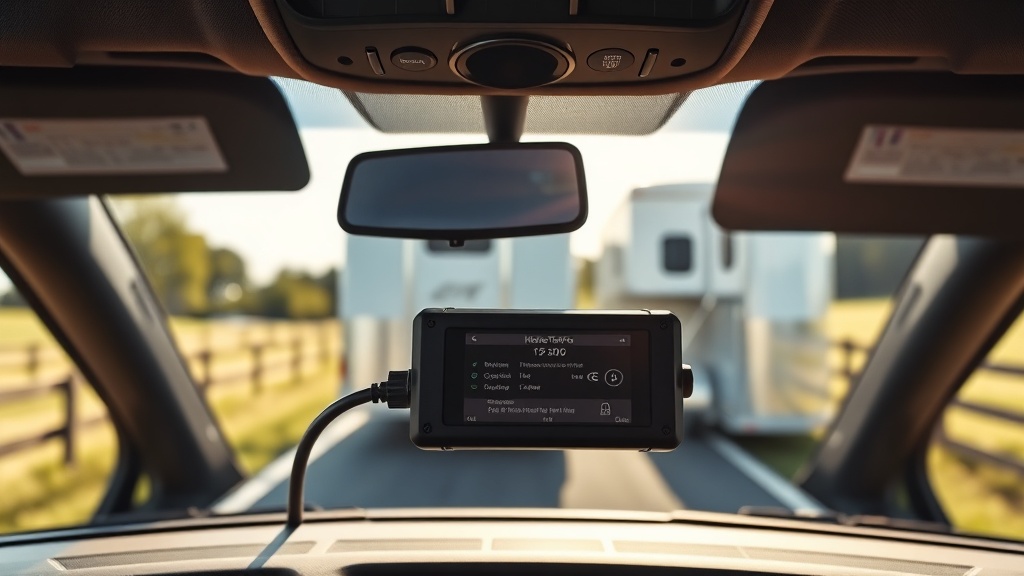
Why Is My HorseTowPro Brake Controller Display Showing “No Trailer” or “No Connection”?
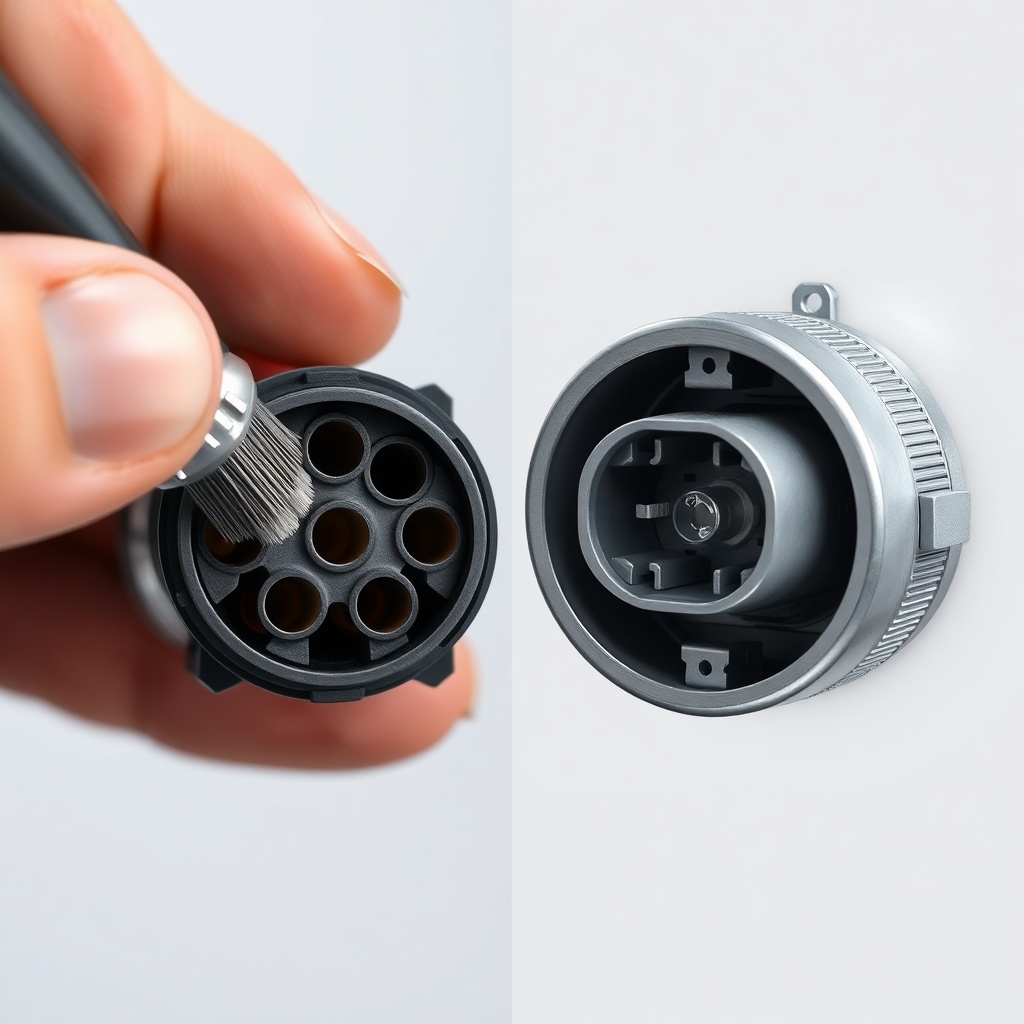
A “No Trailer” or “No Connection” message on your HorseTowPro brake controller is one of the most common issues, often caused by a simple wiring or connection fault. Begin by inspecting the 7-pin connector at your tow vehicle’s bumper or hitch receiver. Dirt, corrosion, or bent pins can break the circuit. Clean the connector with electrical contact cleaner and a small brush, then reseat it firmly.
If the issue persists, trace the trailer wiring back from the plug to the brake controller module. Check for loose or corroded connections at the junction box near the trailer tongue. For a step-by-step wiring walkthrough, refer to our HorseTowPro Brake Controller Installation: Step-by-Step Guide to ensure all wires are properly secured.
Another possibility is a blown fuse in the tow vehicle’s trailer brake circuit. Consult your owner’s manual to locate the fuse box and check the brake controller fuse (often 20–30 amps). Replace with an identical rating if needed. If the controller still fails to detect the trailer, the issue may lie in the controller’s internal circuit board—contact HorseTowPro customer support for warranty assistance.
Why Are My Trailer Brakes Locking Up or Grabbing Too Aggressively?
Sudden, harsh braking from your trailer can be alarming and dangerous, especially when hauling horses. This symptom usually indicates the brake controller’s gain (power output) is set too high or the controller’s inertia sensor is incorrectly calibrated. Start by reducing the gain setting on your HorseTowPro unit by 2–3 increments. Test the braking at low speed in an empty parking lot.
If the issue continues, adjust the controller’s bias or boost setting (if available). Many HorseTowPro models include a “load mode” that compensates for trailer weight. Ensure it is set to “loaded” when pulling a horse trailer. For heavy loads, also verify your hitch setup—an unbalanced trailer can cause brake overreaction—see our HorseTowPro Hitch Weight Distribution Calculator: How to Balance Your Load for proper tongue weight calculations.
Physical brake adjustment on the trailer itself may be necessary. Electric trailer brakes have self-adjusting mechanisms, but they can seize or become too tight. Jack up each trailer wheel and check the manual adjuster—back off the brake shoes slightly if they drag. A poorly grounded wiring connection can also trigger intermittent lock-up; a professional electrician can verify ground continuity.
How Do I Fix a Flickering or Intermittent Brake Light on My HorseTowPro?
A flickering trailer brake light is more than a nuisance—it signals a potential safety hazard and a failing connection. The most common culprit is a loose or corroded ground wire between the trailer frame and the brake controller. Over time, road salt and moisture can degrade this connection. Locate the ground wire (usually white or bare copper) attached to the trailer frame, clean the contact area with sandpaper, and reattach with a dielectric grease coating.
Additionally, inspect the 7-pin connector for a damaged pin responsible for the brake light circuit (often pin #2 in a standard RV-style connector). A multimeter set to continuity can confirm the signal path. If the controller itself is the source, check for software updates on your HorseTowPro model; some newer units have firmware fixes for signal stability. For persistent flickering, consider upgrading to a heavy-duty harness—details are covered in our HorseTowPro Trailer Maintenance: Corrosion Prevention Tips for Coastal Areas.
Why Is My HorseTowPro Brake Controller Overheating or Getting Hot to the Touch?
A hot brake controller unit is a serious warning that should not be ignored. Overheating often stems from an overloaded braking system or a short circuit in the trailer wiring. Electric brakes draw significant current (typically 5–15 amps per axle under full braking), and using a controller rated below your trailer’s requirements can cause thermal stress. Confirm your HorseTowPro model’s amp rating matches your trailer’s brake demand—most horse trailers with two axles need a 3–5 amp per brake capacity.
Check for a shorted brake magnet on one of the trailer wheels. A shorted magnet will draw excessive current, heating up the controller. Disconnect the trailer and test each brake magnet with an ohmmeter; readings below 1 ohm indicate a short. Replacement magnets are available through HorseTowPro dealers. Also, ensure your controller’s mounting location has adequate airflow—tucking it inside a sealed console can trap heat.
In extreme cases, the controller’s internal components may have failed due to age or water ingress. If your unit is out of warranty and overheating persists, replacement is the safest option. Refer to the table below for a quick comparison of common symptoms and solutions.
What Does the “Err” or Error Code on My HorseTowPro Display Mean?
Error codes can be cryptic, but most HorseTowPro units use a simple “Err” display followed by a number or letter. Here is a quick reference for the most common codes:
| Error Code | Meaning | Severity | Recommended Action |
|---|---|---|---|
| Err 1 | No trailer detected or broken connection | High | Inspect 7-pin plug and trailer wiring |
| Err 2 | Brake output shorted to ground | Critical | Check brake magnet wiring; discontinue use until repaired |
| Err 3 | Controller internal fault | High | Contact HorseTowPro support; unit may need replacement |
| Err 5 | Overvoltage from tow vehicle alternator | Medium | Test alternator output; consider voltage regulator repair |
| Err 6 | Temperature threshold exceeded | Critical | Stop towing; allow unit to cool; inspect for overload or short |
If you encounter a code not listed here, consult your user manual or the HorseTowPro website for a full diagnostic guide. Never ignore an error code—especially codes indicating shorts or overheating—as they can lead to brake failure or fire.
Why Does My HorseTowPro Brake Controller Operate Normally but My Trailer Brakes Feel Weak?
Weak trailer brakes, even with a functioning controller, often point to an underpowered electrical system or mechanical brake issues. First, verify the brake controller’s gain setting—must be increased gradually until you feel smooth, responsive braking. If the controller outputs a normal voltage (10–12V at full brake), the problem lies at the wheels. Inspect each brake assembly for worn shoes, contaminated linings (grease or oil), or broken springs.
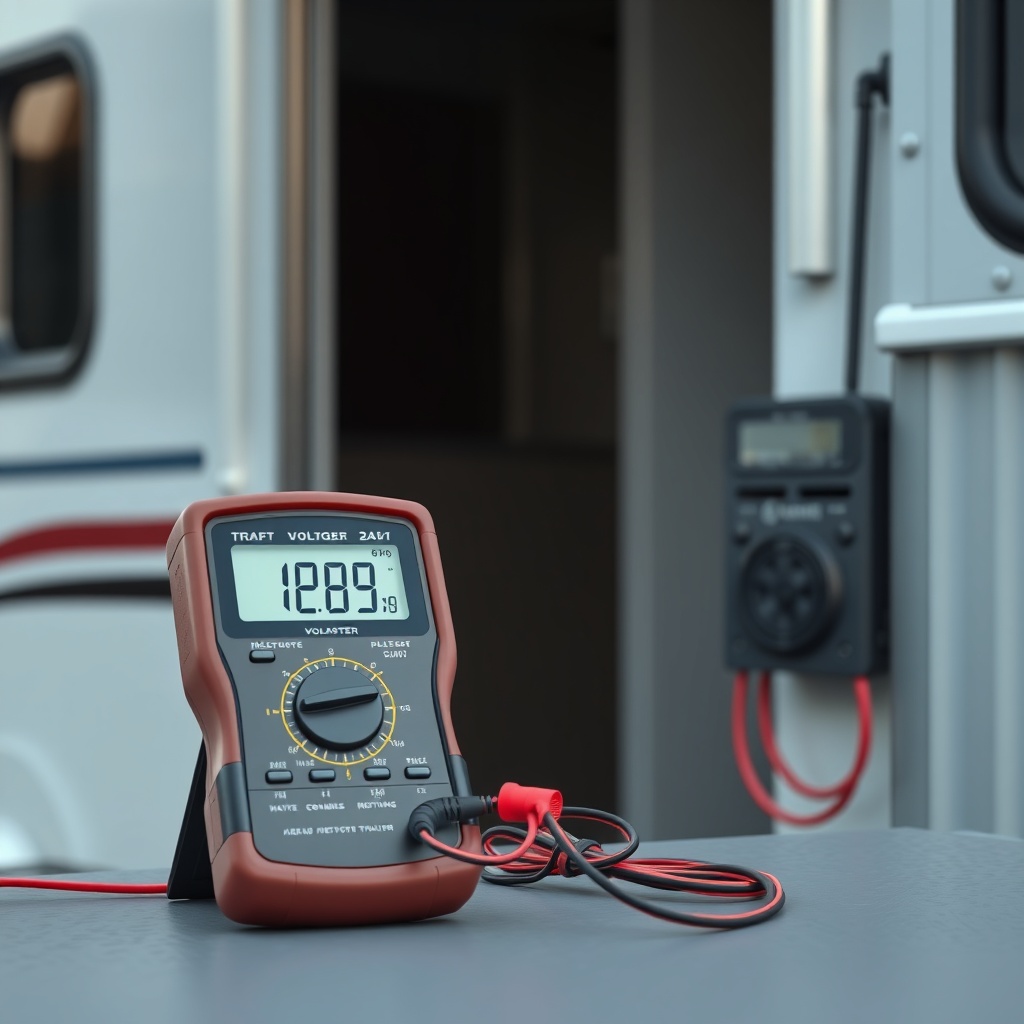
Another common culprit is a low battery in the tow vehicle. Electric brakes depend on the vehicle’s charging system; if your alternator is failing or your battery voltage dips when lights and accessories are on, the brakes will be weak. Test the battery with a multimeter (should read 12.6V at rest, 14V when running). For larger trailers, consider a dedicated trailer battery with a charging isolator—this ensures stable brake power even during nighttime towing.
A final consideration is improper hitch weight distribution. Too little tongue weight can cause the trailer to sway and reduce brake effectiveness. Use our HorseTowPro Hitch Weight Distribution Setup Guide: Achieving Optimal Load Balance to fine-tune your setup. Similarly, verify your hitch receiver class rating—an undersized hitch can introduce slack and delay brake engagement. Check HorseTowPro Hitch Receiver Class Ratings: Choosing the Right Hitches for Your Trailer for guidance.
What Owners Say About HorseTowPro Brake Controller Troubleshooting
Many HorseTowPro owners report that the most frequent issue they encounter is a “No Trailer” code after washing their truck or driving through deep puddles. One owner from Kentucky noted, “I thought my controller was dead after crossing a flooded road. Cleaning the 7-pin connector with contact spray fixed it in five minutes.” Another owner from Florida shared, “My brakes kept locking up every time I hit a bump. It turned out to be a loose ground wire at the trailer frame—tightened it and no more problems.”
Users consistently emphasize the importance of annual inspections for corrosion, especially in coastal regions. A California owner wrote, “Salt air eats connectors quickly. Following HorseTowPro’s cleaning schedule saved me from replacing a controller early.” Performance feedback is generally positive, with many praising the smooth braking once gain settings are dialed in. A common tip is to test the manual override lever monthly to ensure the controller can send full current to the brakes.
Some owners note that older HorseTowPro models lack a digital gain display, making adjustment trickier. “My first unit had no digital readout, so I relied on feel. Upgraded to a newer model with a real-time display, and troubleshooting became much easier,” shared a Texas owner. Overall, the community agrees that knowing basic troubleshooting saves both time and money, and HorseTowPro’s customer support receives high marks for phone and email assistance.
Frequently Asked Questions About HorseTowPro Brake Controllers
Q1: Can I use a HorseTowPro brake controller with a 2005 Dodge Ram 2500?
Yes, most HorseTowPro models are compatible with 2005 Dodge Ram 2500 trucks, provided they have a factory or aftermarket 7-pin connector. You may need a T-harness specific to that year and model to simplify installation; check the manufacturer website for compatibility charts.
Q2: How often should I test my HorseTowPro manual override?
Test the manual override (manual brake lever) at least once a month when towing regularly. This simulates full brake application and verifies the controller and trailer brakes are functional. Do this in a safe, empty area.
Q3: Can I leave my HorseTowPro controller plugged in when not towing?
Yes, it is safe to leave the controller connected. However, if you notice a parasitic drain on your vehicle battery (unlikely with modern controllers), unplug the unit when not in use. Some owners remove it for theft prevention.
Q4: Does the HorseTowPro controller work with surge brakes?
No, HorseTowPro brake controllers are designed for electric trailer brakes only. Surge brakes use hydraulic systems and require a different control mechanism. Ensure your trailer is equipped with electric or electric-over-hydraulic brakes.
Q5: How do I adjust the brake controller for different trailer weights?
Most HorseTowPro controllers have an “auto” or “load” mode. Set the controller to “loaded” when carrying horses and reduce the gain 2–3 steps for an empty trailer. Use the manual adjustment feature for fine-tuning; test at 20 mph for safe feel.
Q6: Why does my brake controller make a clicking noise when braking?
A clicking sound is often normal—it indicates the controller is cycling power to the brakes. However, if the click is loud or irregular, it may suggest a faulty relay or solenoid. Check for loose connections or a failing controller module.
For additional tire-related insights, read our HorseTowPro Tire Care Guide: Extending Lifespan and Ensuring Safety to ensure your trailer rubber is in top condition.